How it works
Paste a YouTube link and the video becomes an exercise. You can stop after one sentence.
See it in action
Pick a box and the screen changes.
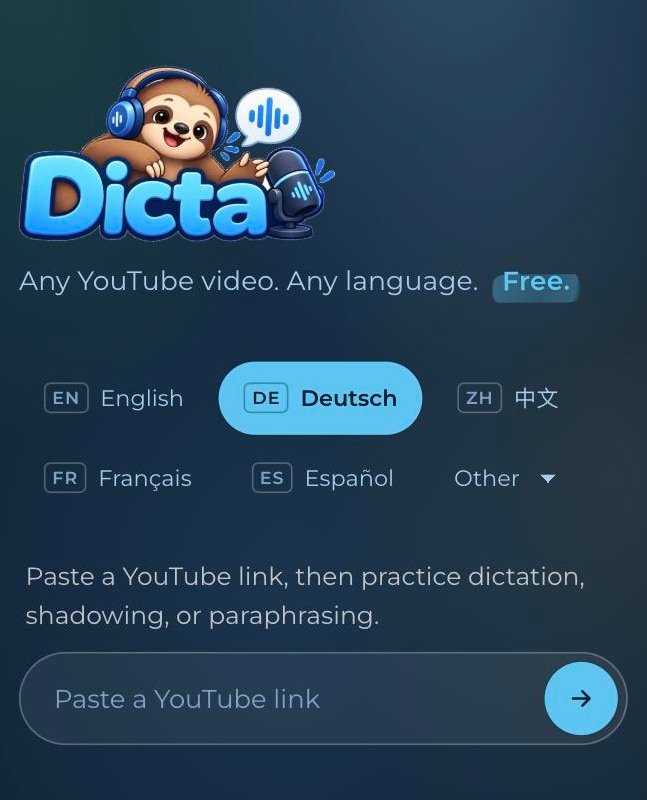
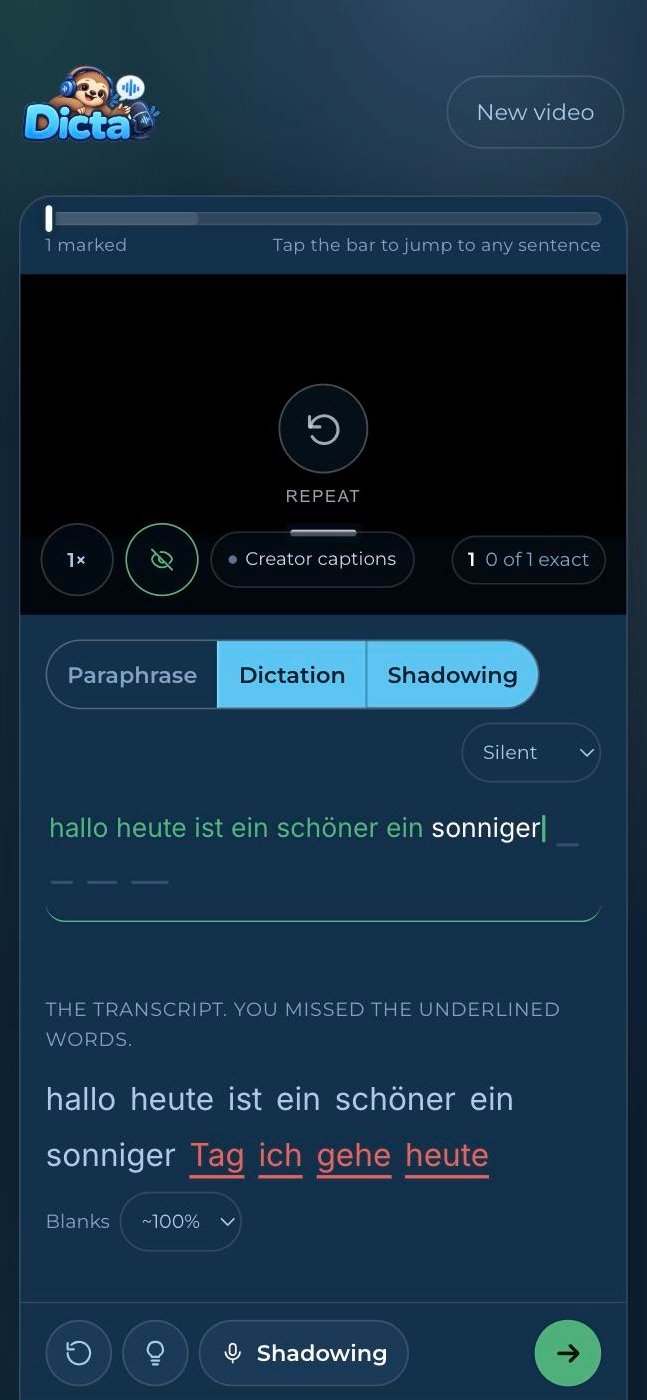
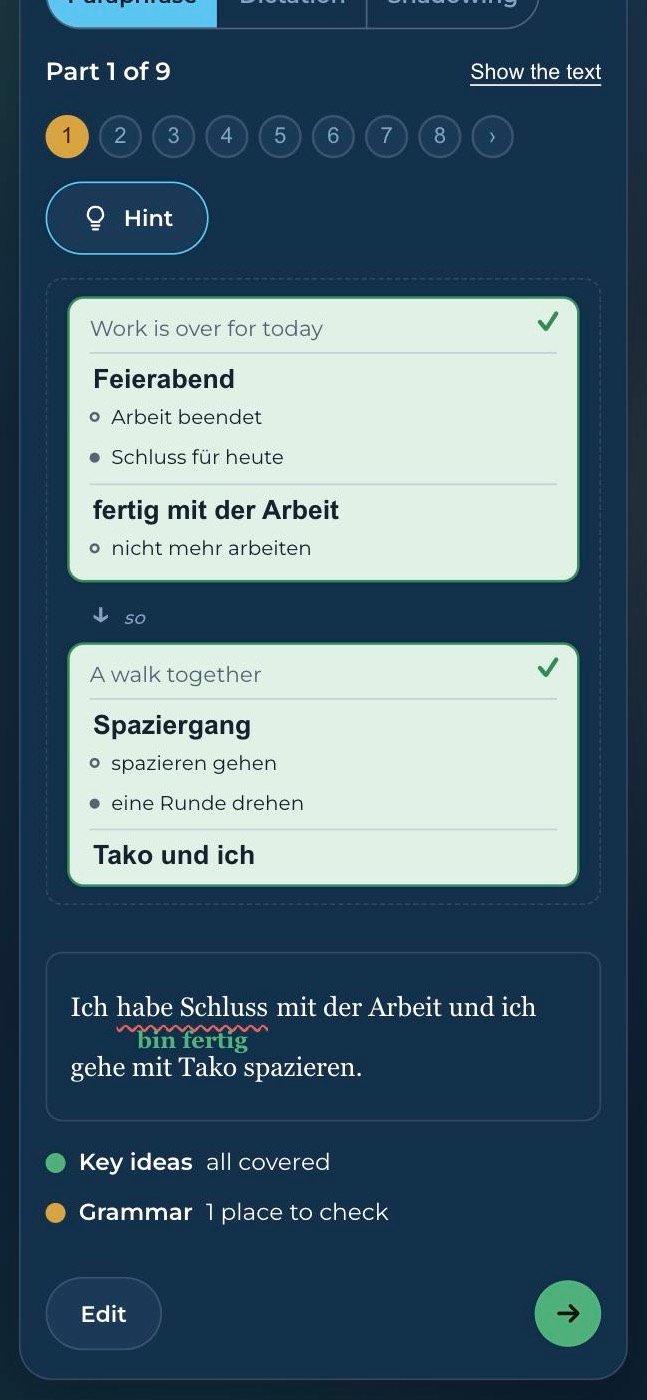
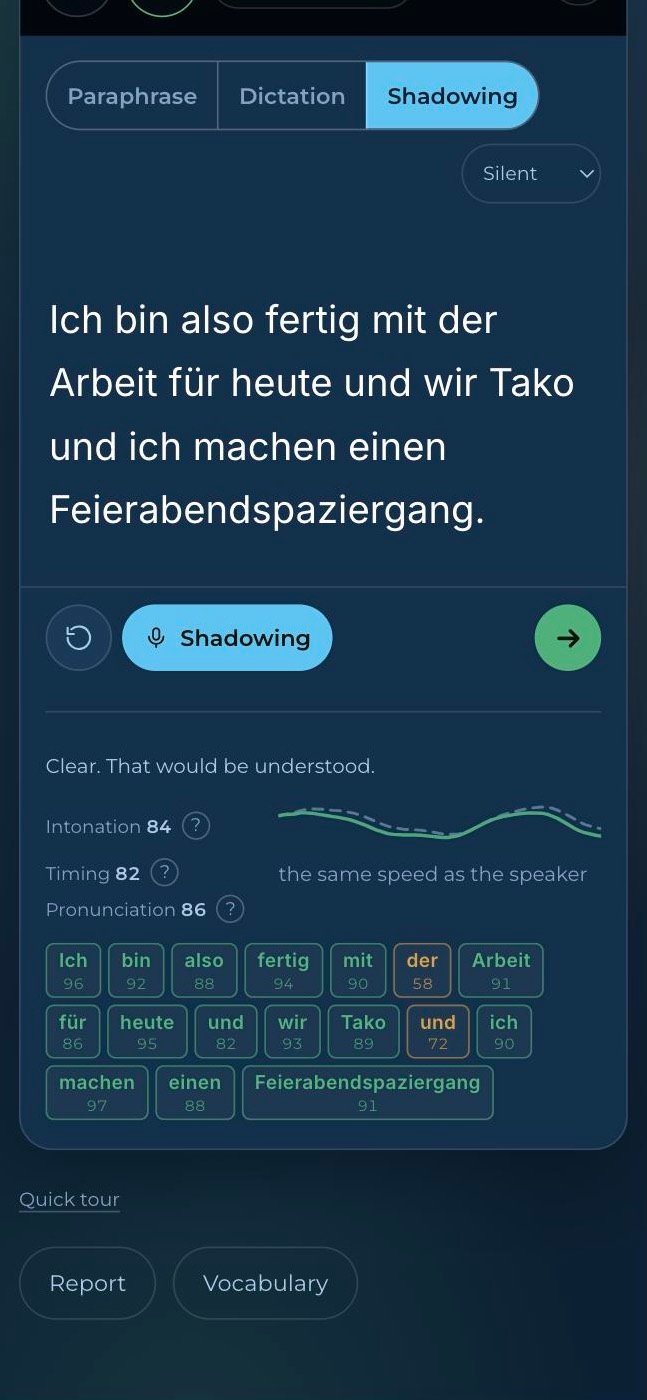
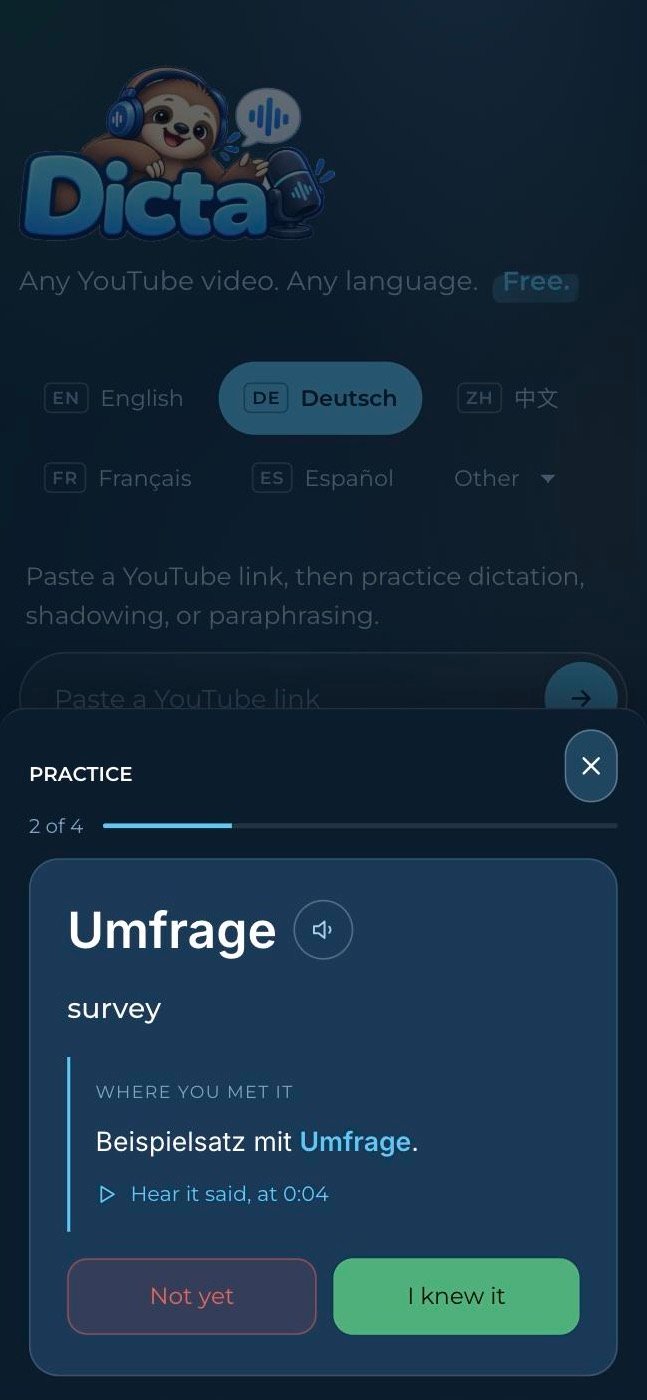
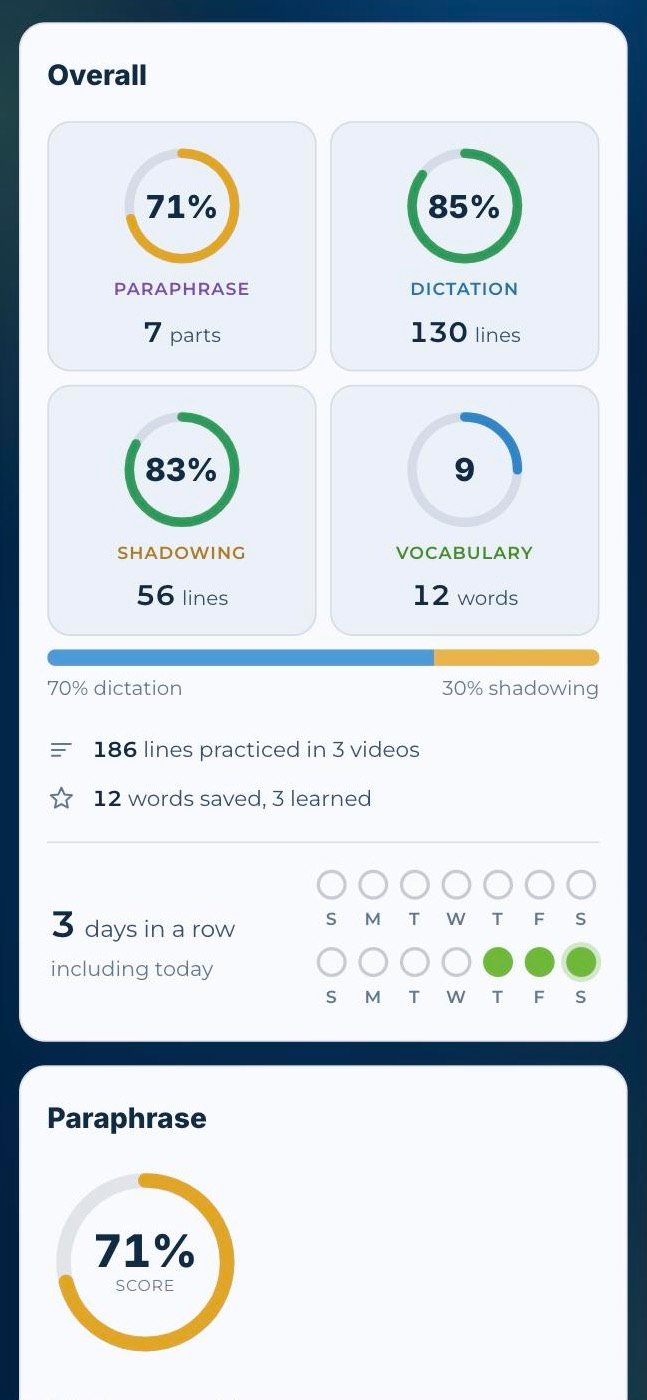
Paste a YouTube link and pick a language. It becomes an exercise, even when the video has no captions.
Sample practice data.
A note on Paraphrase. It is a machine's judgement and can be wrong: it can miss a subtle slip, underline something that is fine, and be strict about small details in the meaning. If a suggestion sounds odd to you, trust your ear and look it up. It works in eleven languages, and better in some than others. Nothing is sent for checking until you press Check.
A suggested routine
You can use any part of DictaBooth on its own. If you want an order to try, this one goes from reading to speaking and keeps the words coming back.
- Read a story at your level Start with a story at the level you pick (Easy, Medium or Hard). When it feels easy, read the version one level up and save the words you do not know with a click.
- Bring a video you care about Whenever you find a YouTube video worth learning from, paste its link and it becomes an exercise.
- Dictate at about your level Type what you hear with videos you can mostly follow. Too hard and the exercise turns into guessing; too easy and there is nothing to catch.
- Shadow at any level Say lines along with the speaker, on videos that are easy or hard, and aim for their rhythm and intonation, not only the words.
- Review words in spare minutes The words you saved come back as short drills: listen and type, fill the gap, say it. Open Practice on your report and run them one after another.
What it costs, and what it keeps
Nothing, and nothing. There is no paid tier and you need no account. Connecting devices is optional and only there to share your progress between them. What you type is checked in your browser and never leaves it unless you have connected devices, when your progress is also kept on our server. Two things do leave, and only when you press for them: a shadowing recording, which goes to be scored, and a Paraphrase version (typed, or spoken and turned into text), which goes to be checked once you have said yes to that. Neither is kept. The privacy policy sets that out in full.
Why dictation and shadowing? The research page says what the studies of dictation and shadowing found, and what they do not show. For the rest — which videos work, which languages are scored, what happens to your voice — see the common questions.